

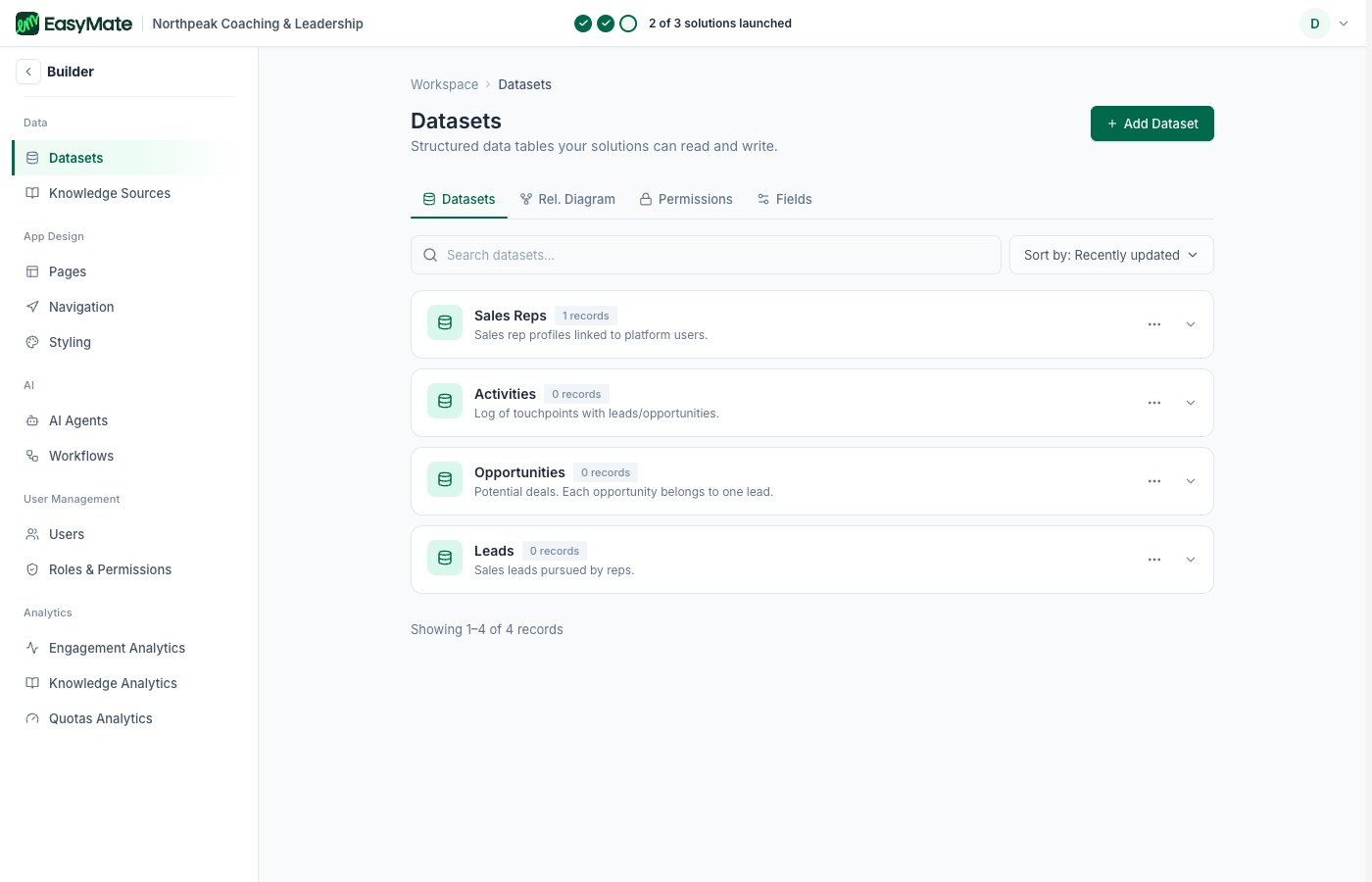
The Builder groups everything into Data, App Design, AI, User Management, and Analytics.
How it relates to your solutions
When you set up a solution, EasyMate is quietly configuring things in the Builder for you. After you build a Sales Assistant, its agent appears under AI Agents with far more settings than the setup wizard showed. The simple roles you pick for your Leads Portal map to Roles & Permissions, where you can control access in much finer detail. Some settings live only in the Builder. For example, you can allow public registration to your app from here, something the Leads Portal, which always requires a sign-in, doesn’t offer.You don’t need the Builder to run your business day to day. Think of it as the place to look under the hood or fine-tune something the guided setup doesn’t cover. Changes here affect the same assistants and app your solutions set up, so change one thing at a time.
What’s in the Builder
- Data: Datasets (the structured data your solutions store) and Knowledge Sources (what your assistants answer from).
- App Design: your app’s Pages, Navigation, and Styling.
- AI: your AI Agents (and Workflows, where enabled).
- User Management: your Users and Roles & permissions.
- Analytics: how people use your assistants and app.