

1. Your business name and website
The first step asks for your business name and, optionally, your website. If you have a website, paste its address. EasyMate reads your public pages and uses them to get a head start: your branding (logo and colors), your business details, and the general tone of your writing. This saves you filling everything in by hand.The page reading takes a few seconds. Your website needs to be public, a normal page that anyone can open. Pages behind a login, PDFs, and broken links can’t be read.
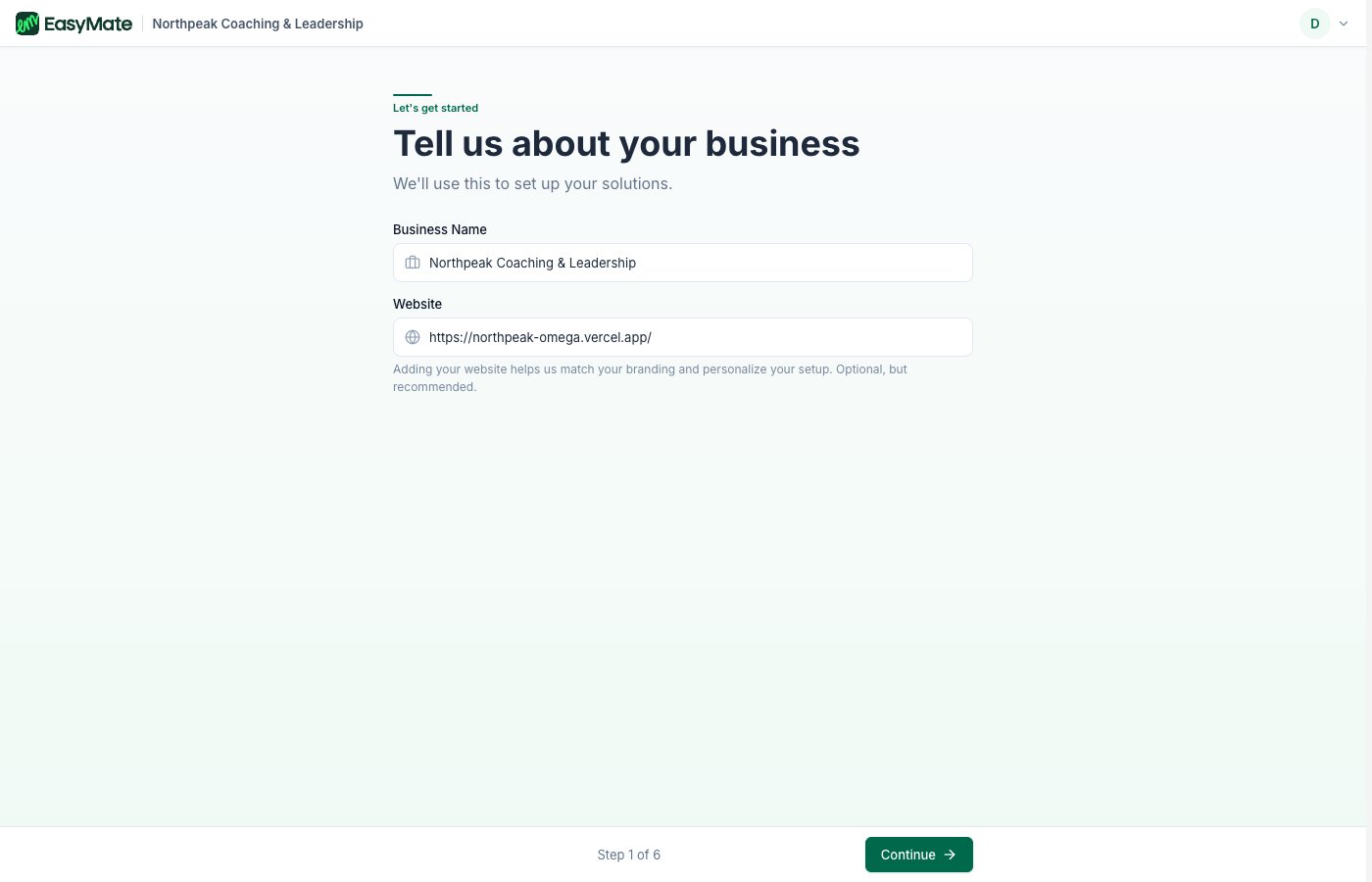
Enter your business name, and add your website so EasyMate can pick up your branding and business details.
2. Your industry
Tell EasyMate what kind of business you run. This helps it suggest the right wording and options later. If your industry isn’t listed, choose the closest match or enter your own.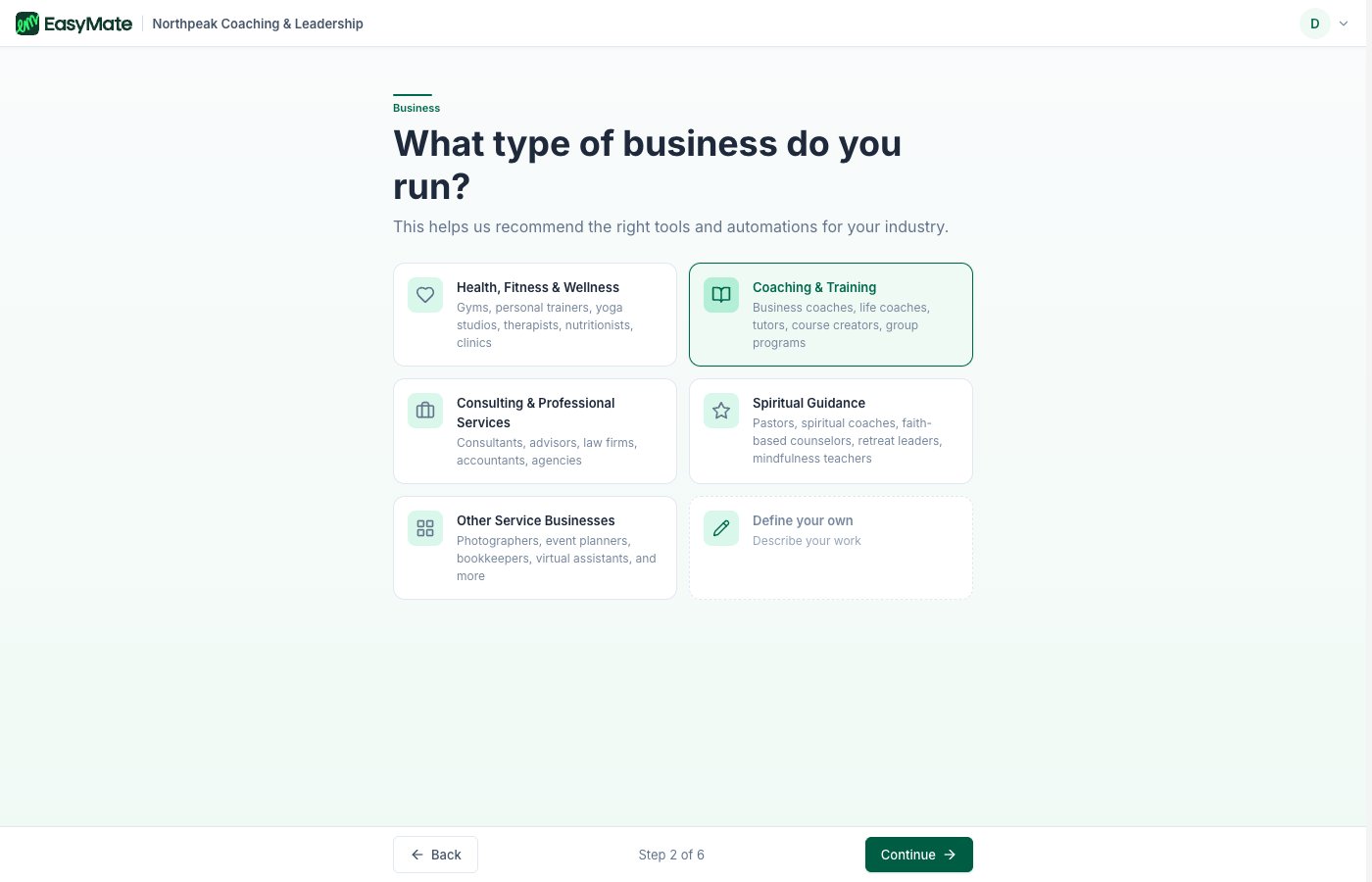
Pick the type of business you run, or define your own.
3. What you call your customers
Pick the word you use for the people you serve: Customers, Clients, Members, Patients, Students, and so on. EasyMate uses this word throughout the product, so everything reads the way you’d say it.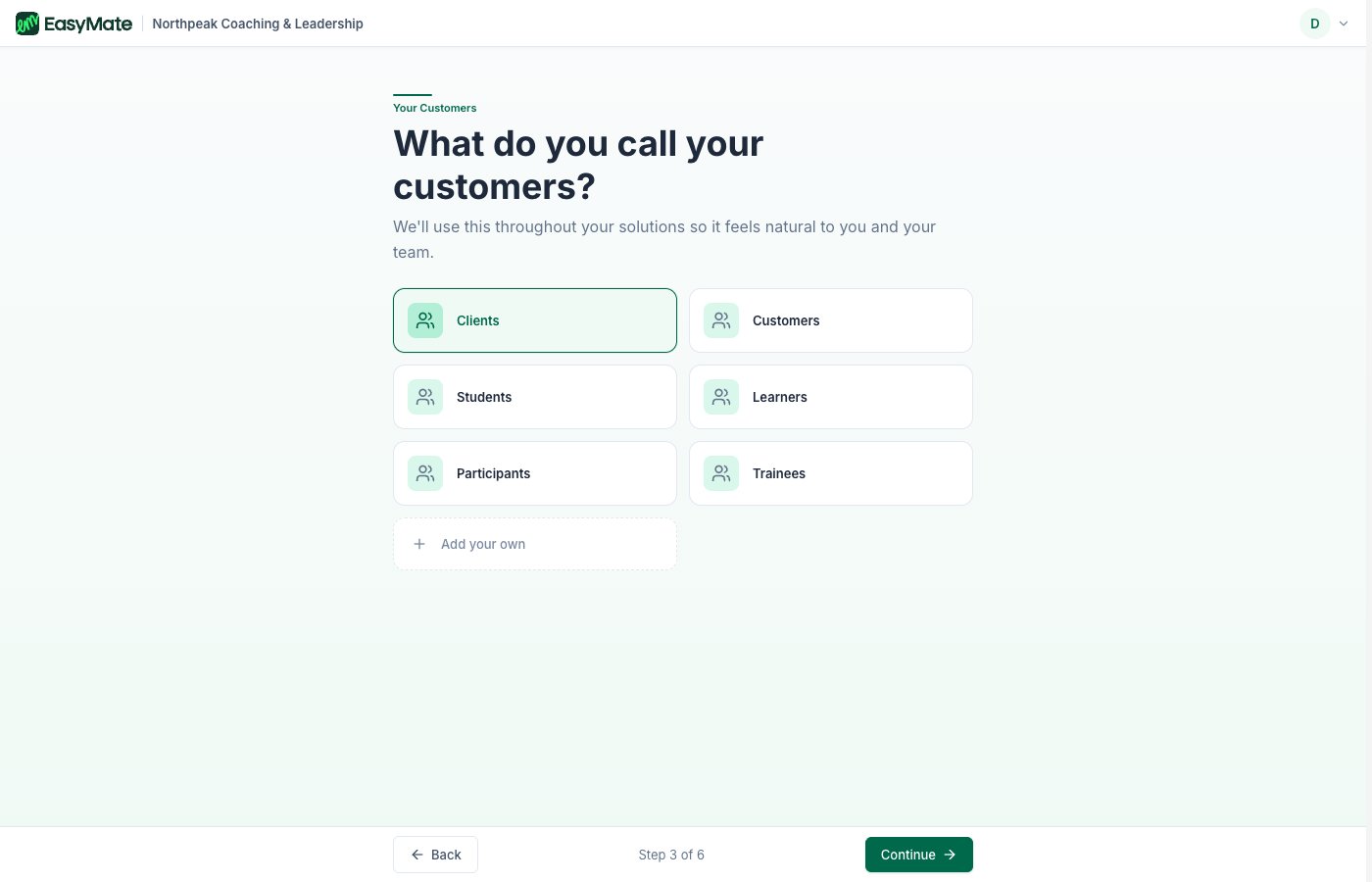
Choose the word that fits your business, or add your own.
4. What you offer
Choose everything you deliver, for example one-to-one work, group sessions, or online courses. You can pick more than one. This helps tailor your solutions to how you actually work.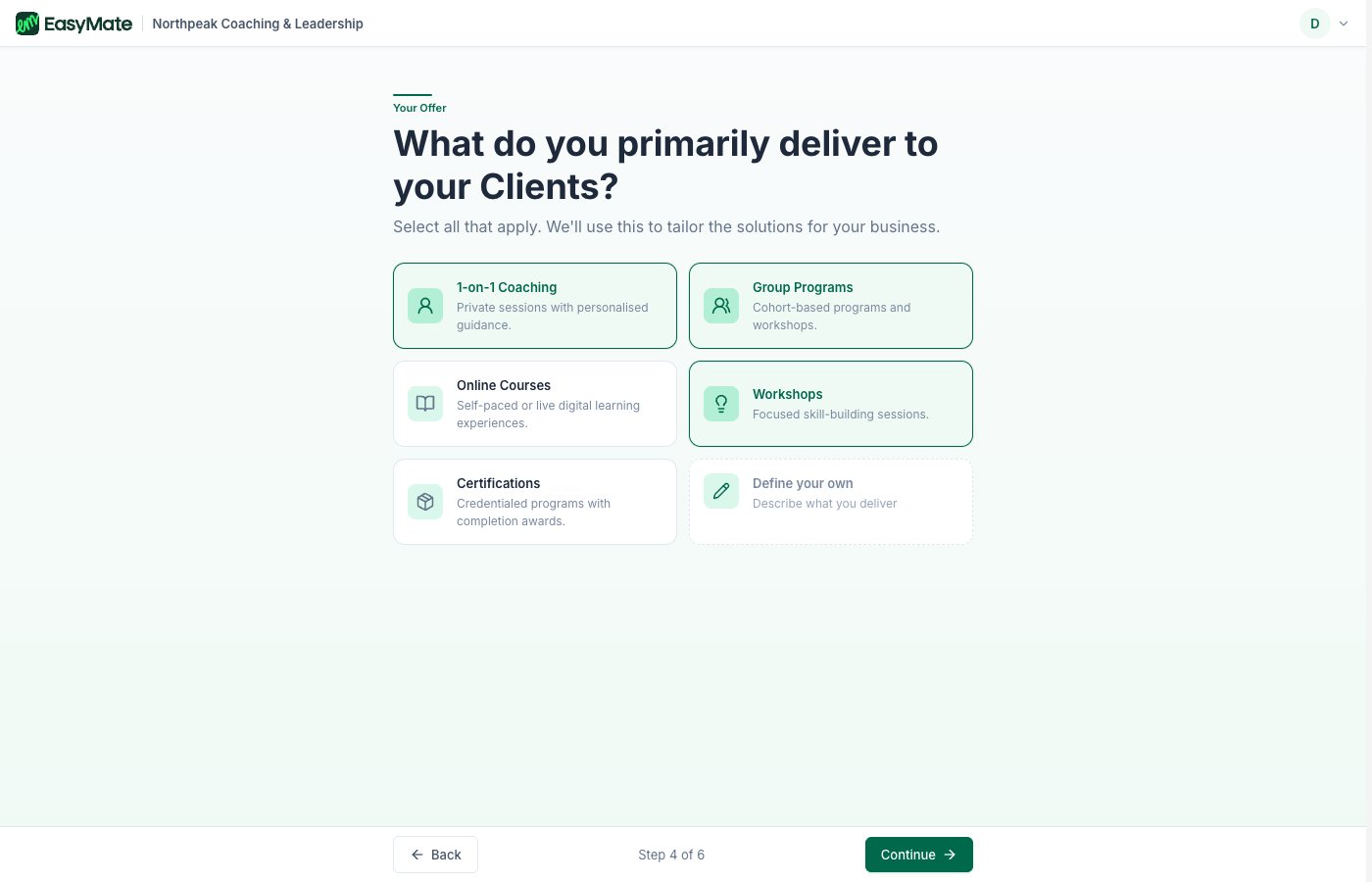
Select everything you offer. Pick as many as apply.
5. What you want help with
Finally, tell EasyMate what you’re hoping to improve. The choices are grouped into three areas: winning more customers, engaging the customers you have, and growing your business. What you pick here decides which solutions EasyMate sets up for you.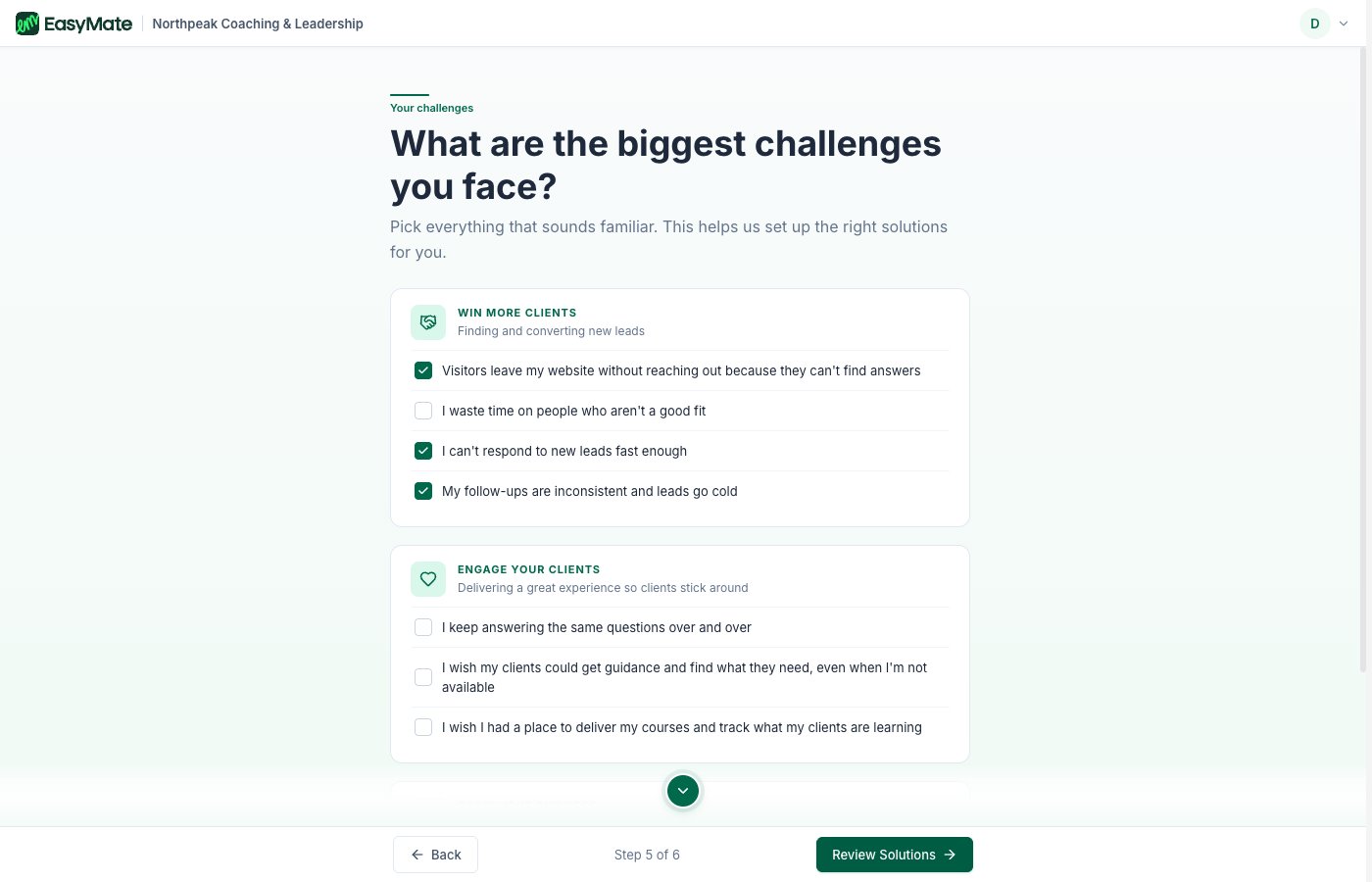
Pick everything that sounds familiar. Your choices decide which solutions get set up for you.
What happens next
First, EasyMate shows you a summary of the solutions it recommends based on your answers. Review the list, then continue.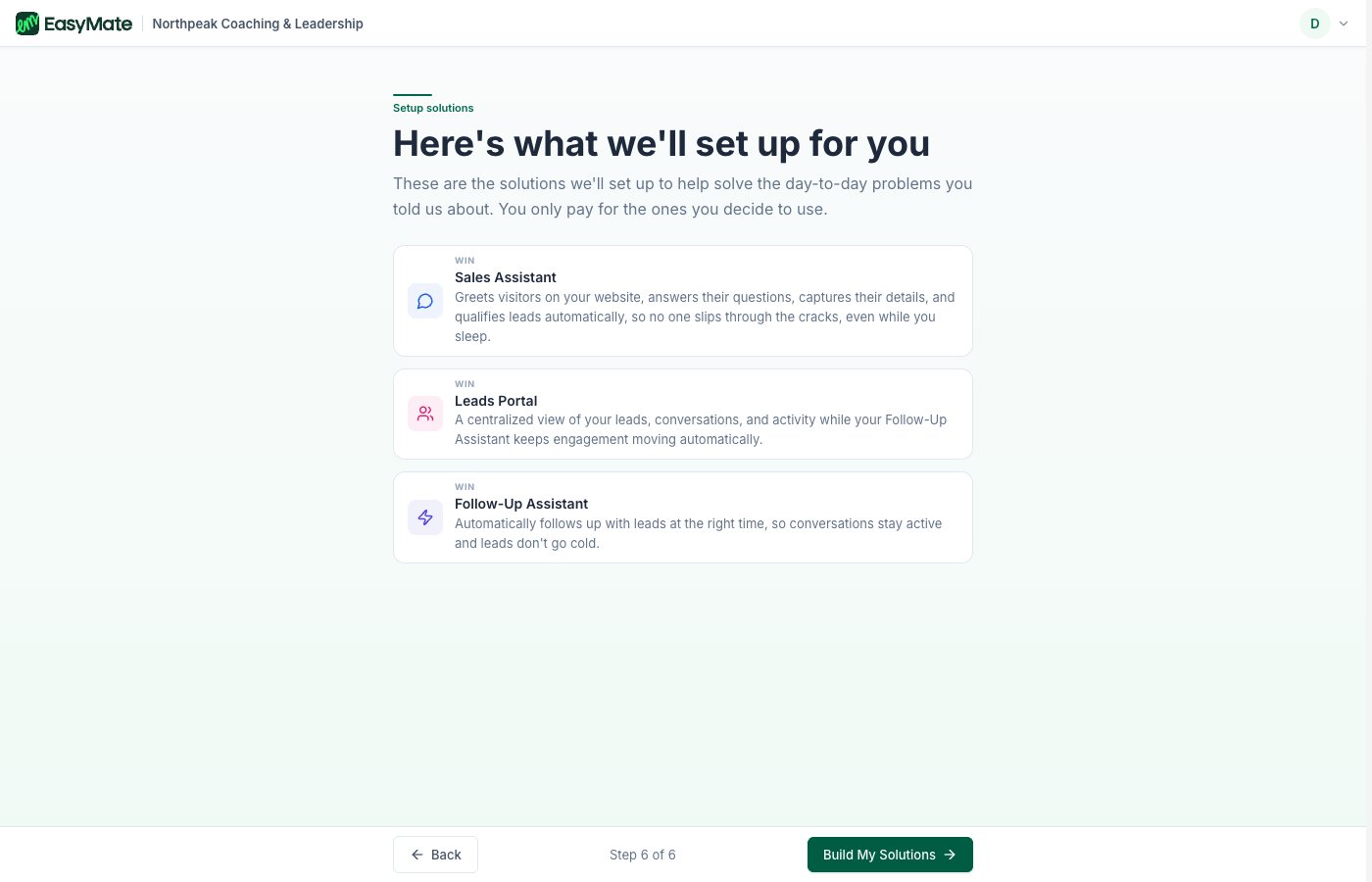
EasyMate recommends a set of solutions. You only pay for the ones you decide to use.
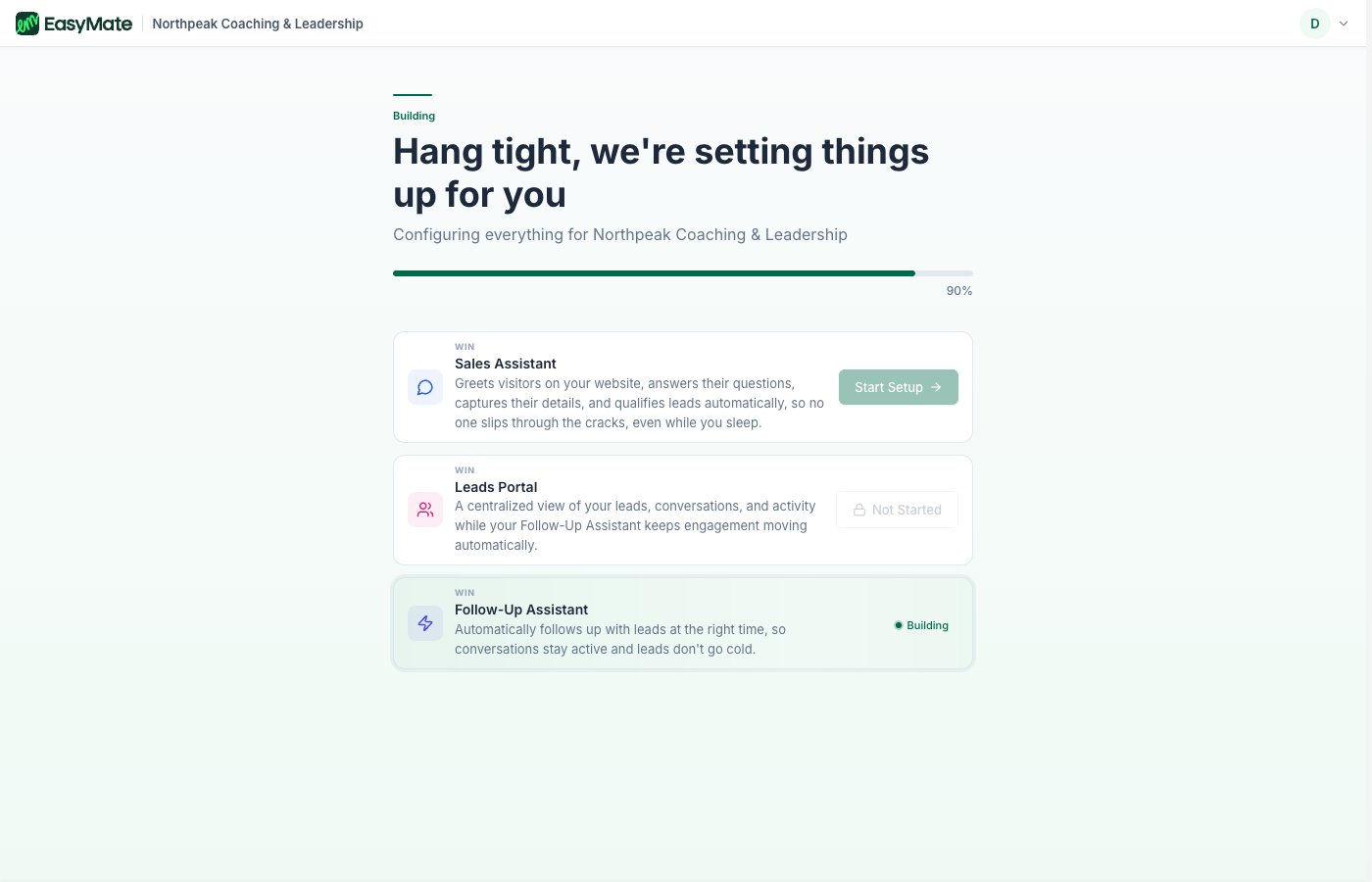
EasyMate sets up your solutions and applies your branding. This takes a few moments.
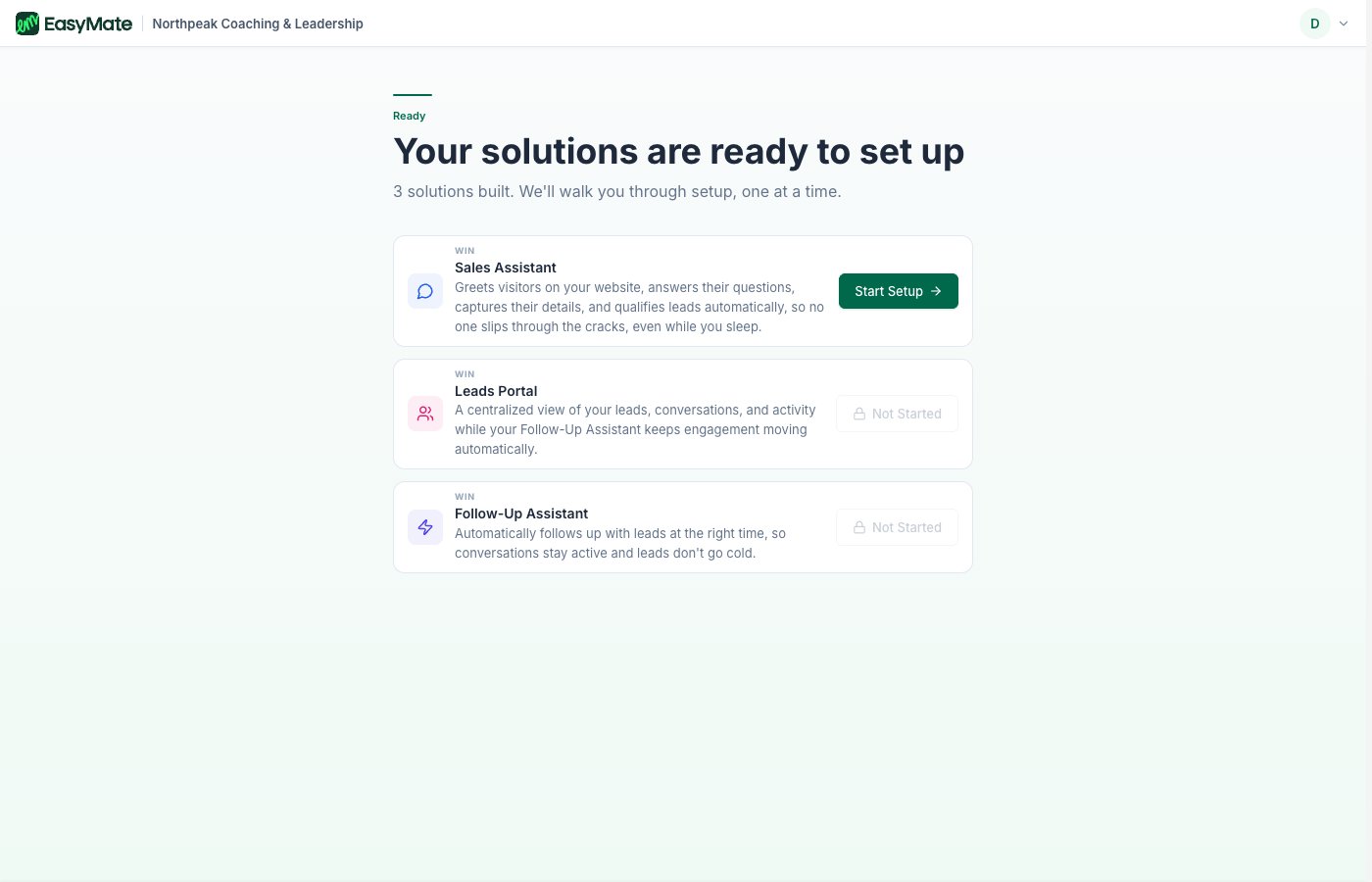
When the build finishes, your solutions are ready. Start with the Sales Assistant.
Next steps
- Finding your way around: get comfortable with the main screens.
- Solutions overview: see what each solution does.