

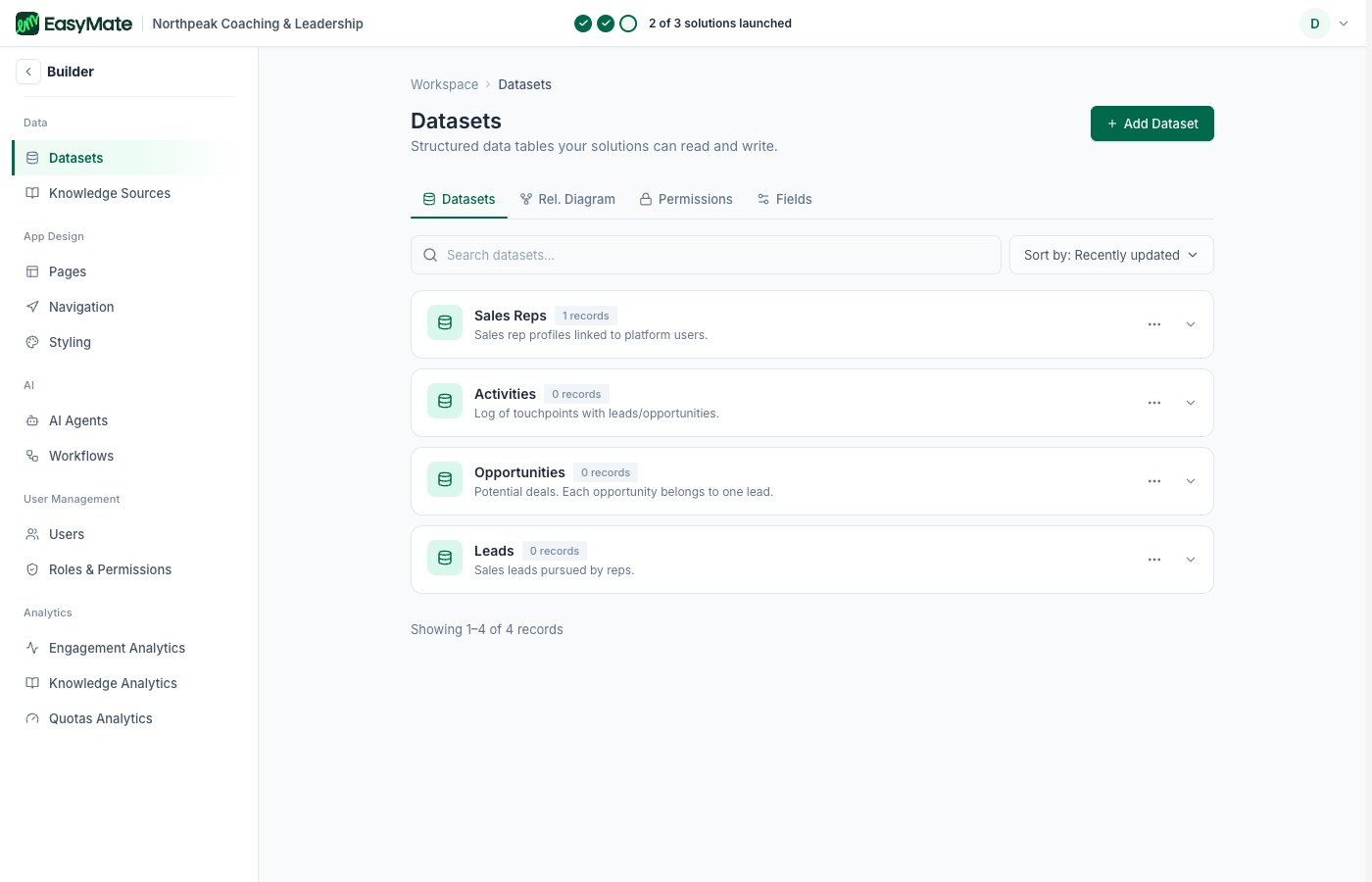
Your datasets in the Builder, the structured tables behind your solutions.
What you can do
- See your tables: each dataset is a table of records, like your leads, with all their fields.
- Configure fields: add or adjust a table’s fields, including the field’s name, type, and whether it’s required or searchable.
- Create a dataset: build a new structured table for your app when you need to store something your solutions don’t already cover.
These tables sit underneath your solutions, so changing a field here can affect what your Leads Portal and assistants show. Change one thing at a time.