

New here? Leads Portal covers the one-time setup (your pipeline stages, the details you track, and who has access). This page is about using it once it’s live.
Dashboard
When you sign in, you land on the Dashboard: your key numbers at the top (total leads, new leads, activities this week, win rate), your newest leads, and your priority opportunities. The left menu takes you to Leads, Opportunities Pipeline, Activities, and Sales Reps.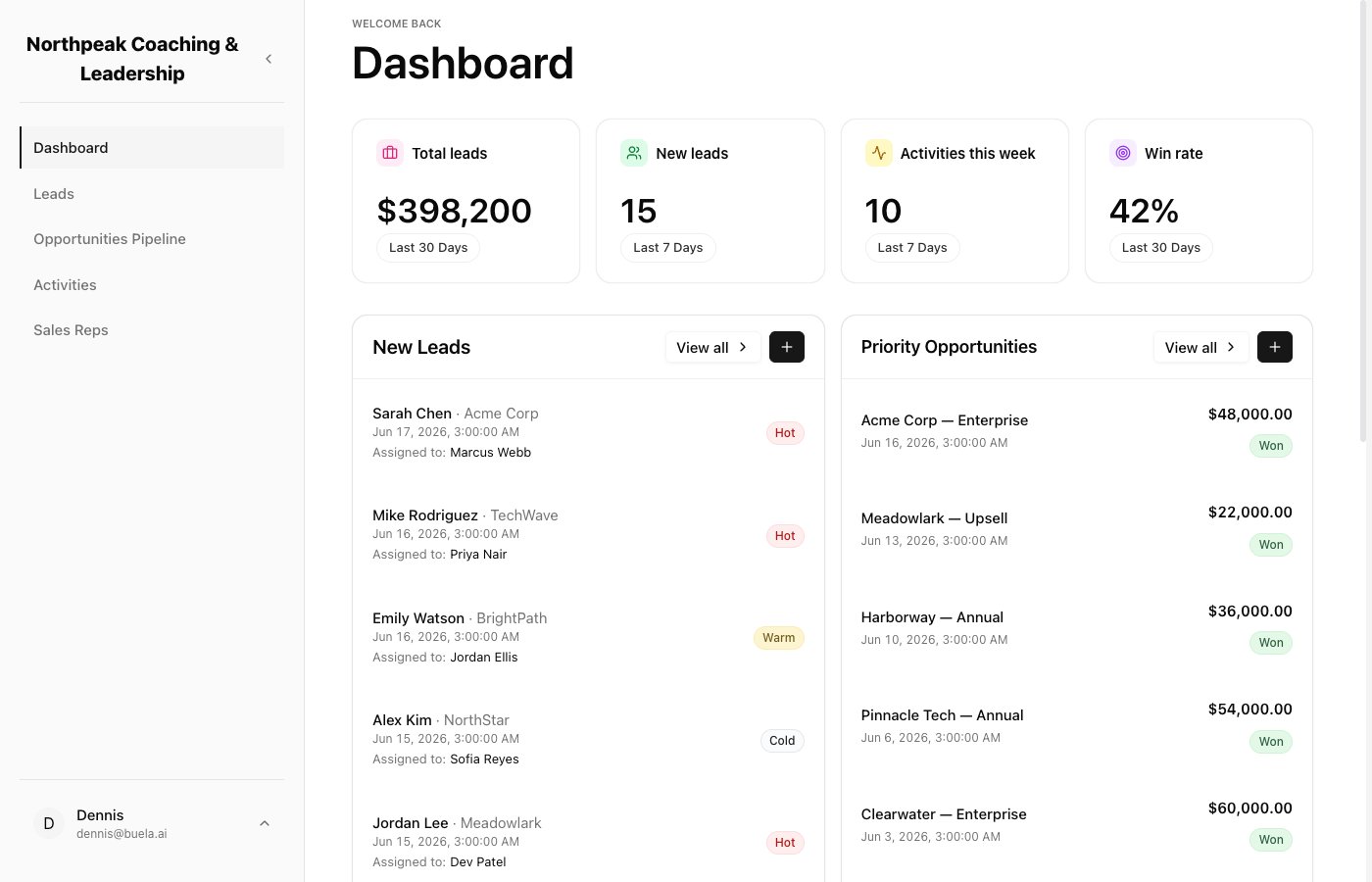
Your dashboard: the day's numbers, newest leads, and top opportunities at a glance.
Leads
The Leads list is every person who has come in. You can see their company, who they’re assigned to, when they were last contacted, and their status. The AI Lead Qualification column shows how promising each lead looks (Hot, Warm, or Cold), so you can focus on the best ones first. Use Add to enter a lead by hand.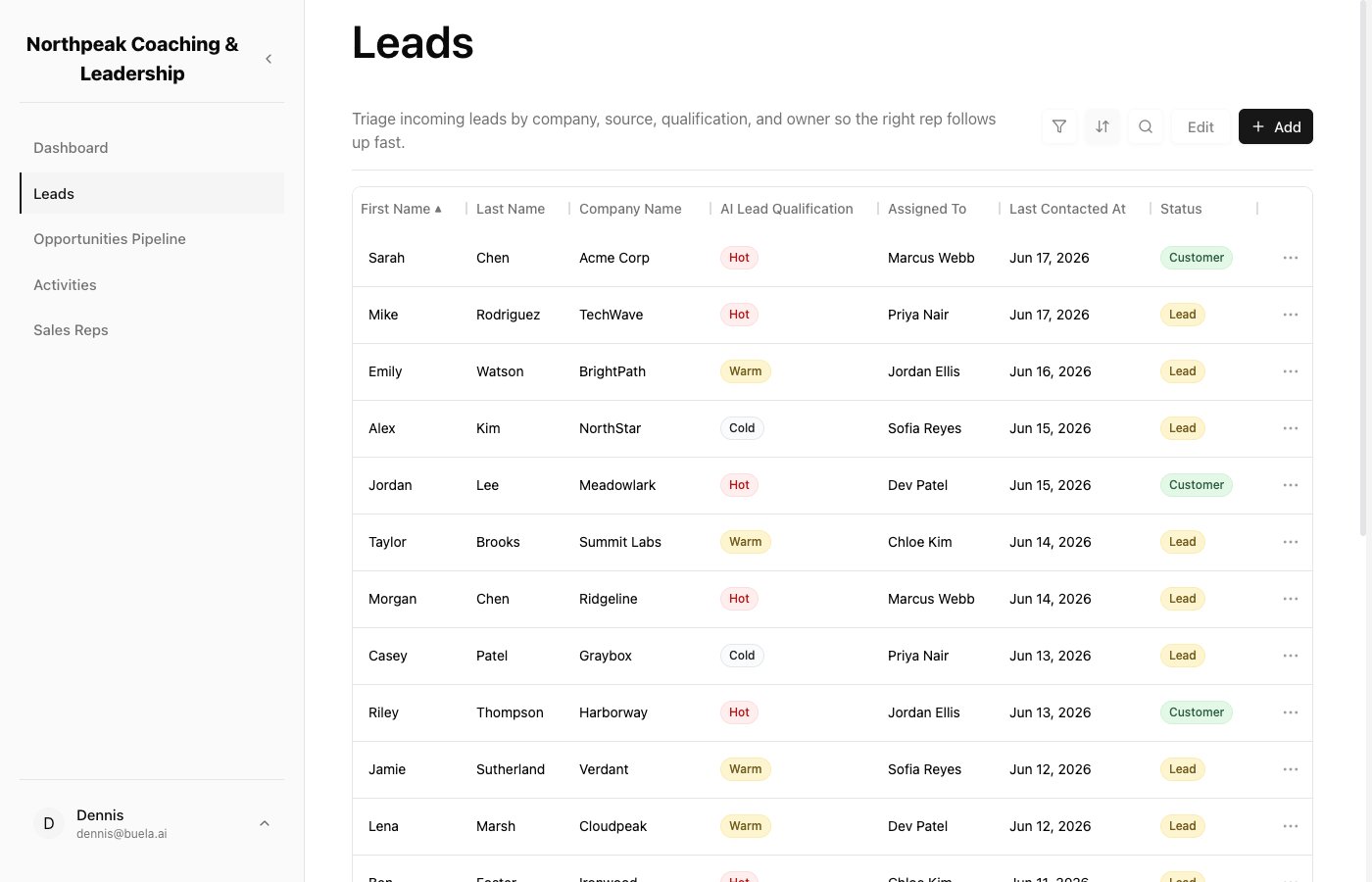
Every lead in one place, with an AI quality rating so you know who to follow up with first.
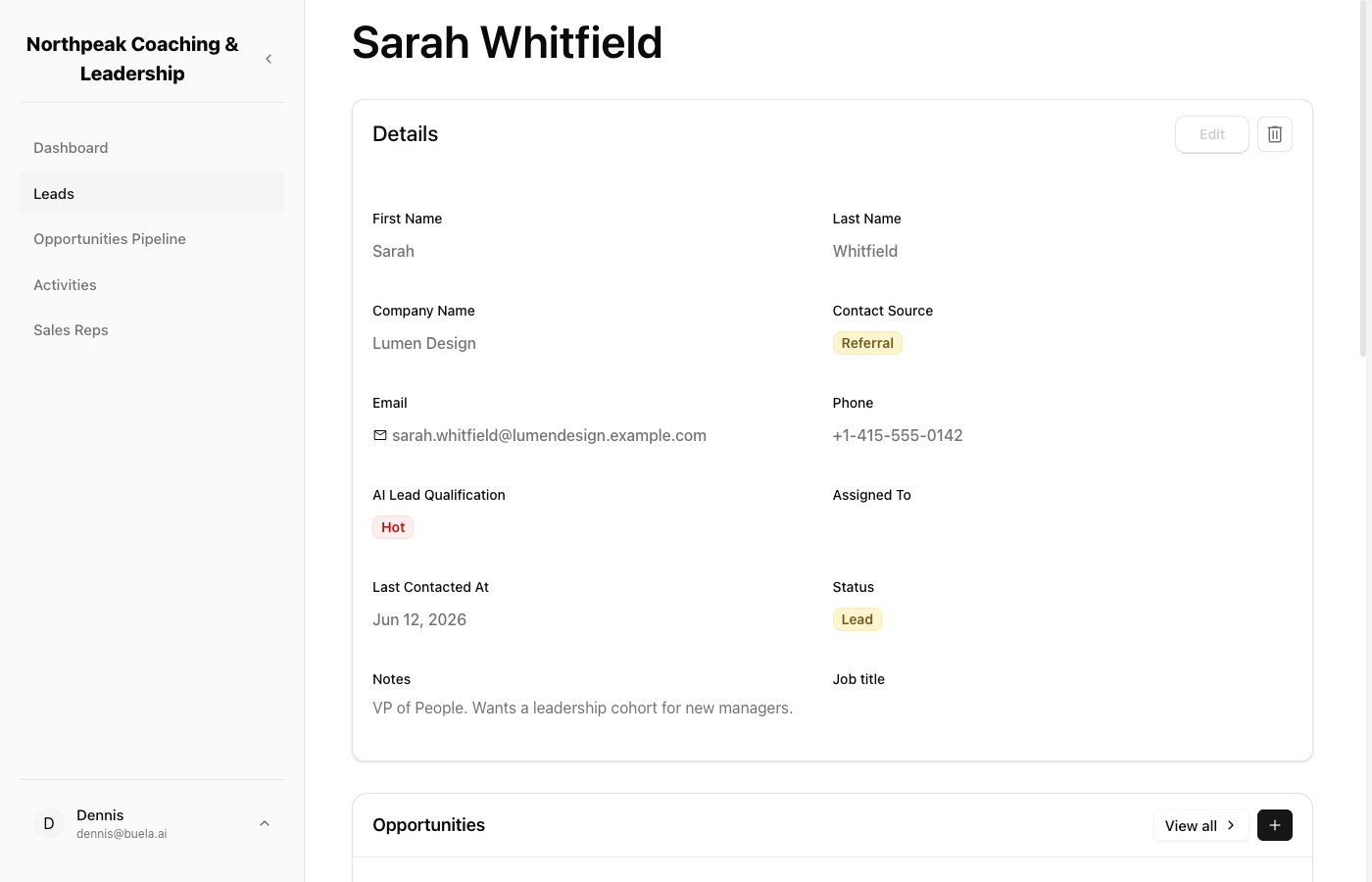
A lead record holds their contact details, qualification, owner, and notes.
Opportunities Pipeline
The Opportunities Pipeline is your board: your stages as columns, with each deal as a card you can drag from one stage to the next. Moving a card is also what triggers your Follow-Up Assistant to send the right email, if you’ve set one up for that stage.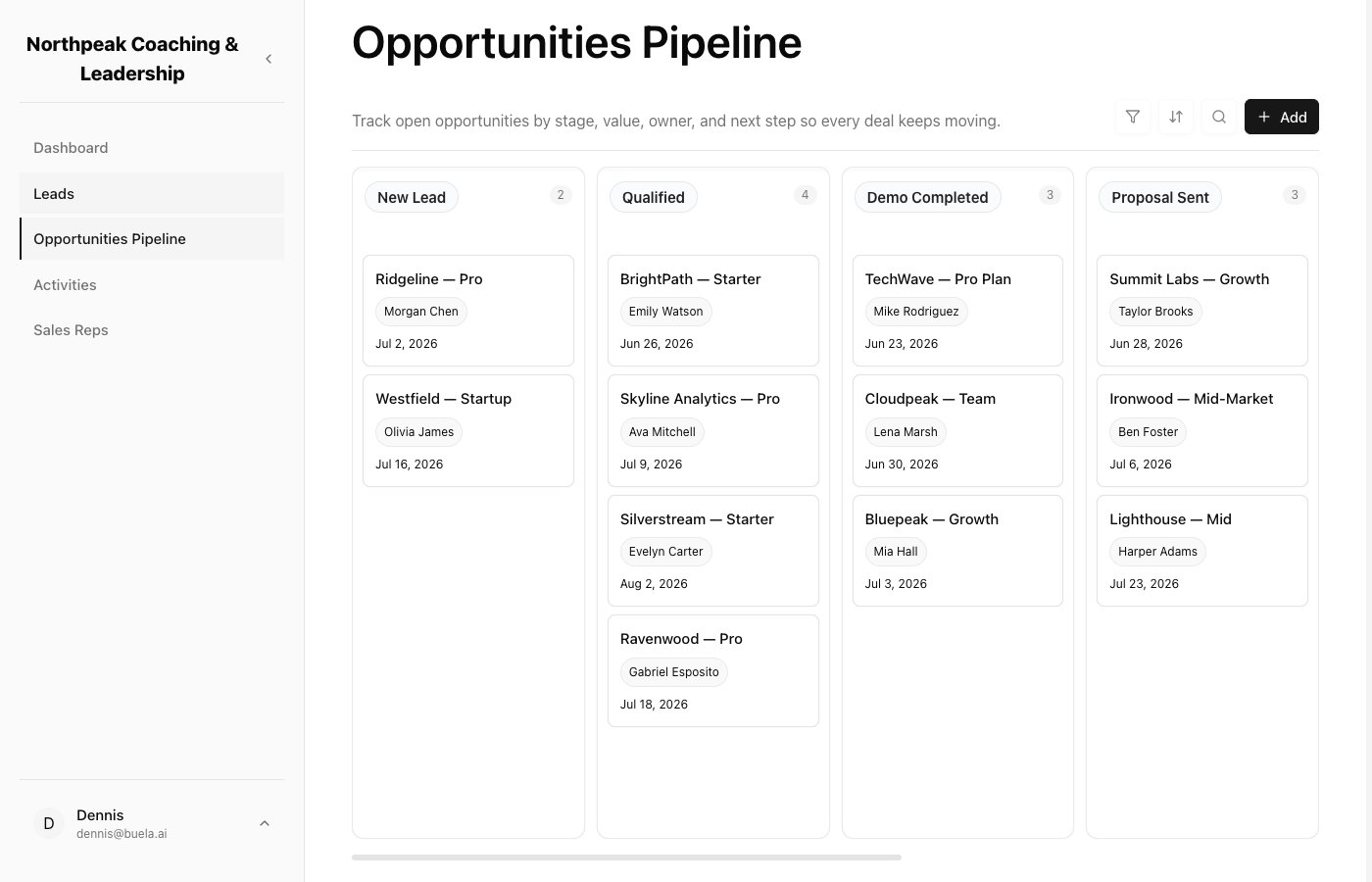
Drag a deal from one stage to the next as it moves toward closing.
Activities
Activities is the running history of every touchpoint: calls, emails, meetings, tasks, and notes, each tied to an opportunity. Emails your Follow-Up Assistant sends are logged here too, so the whole team can see what’s happened.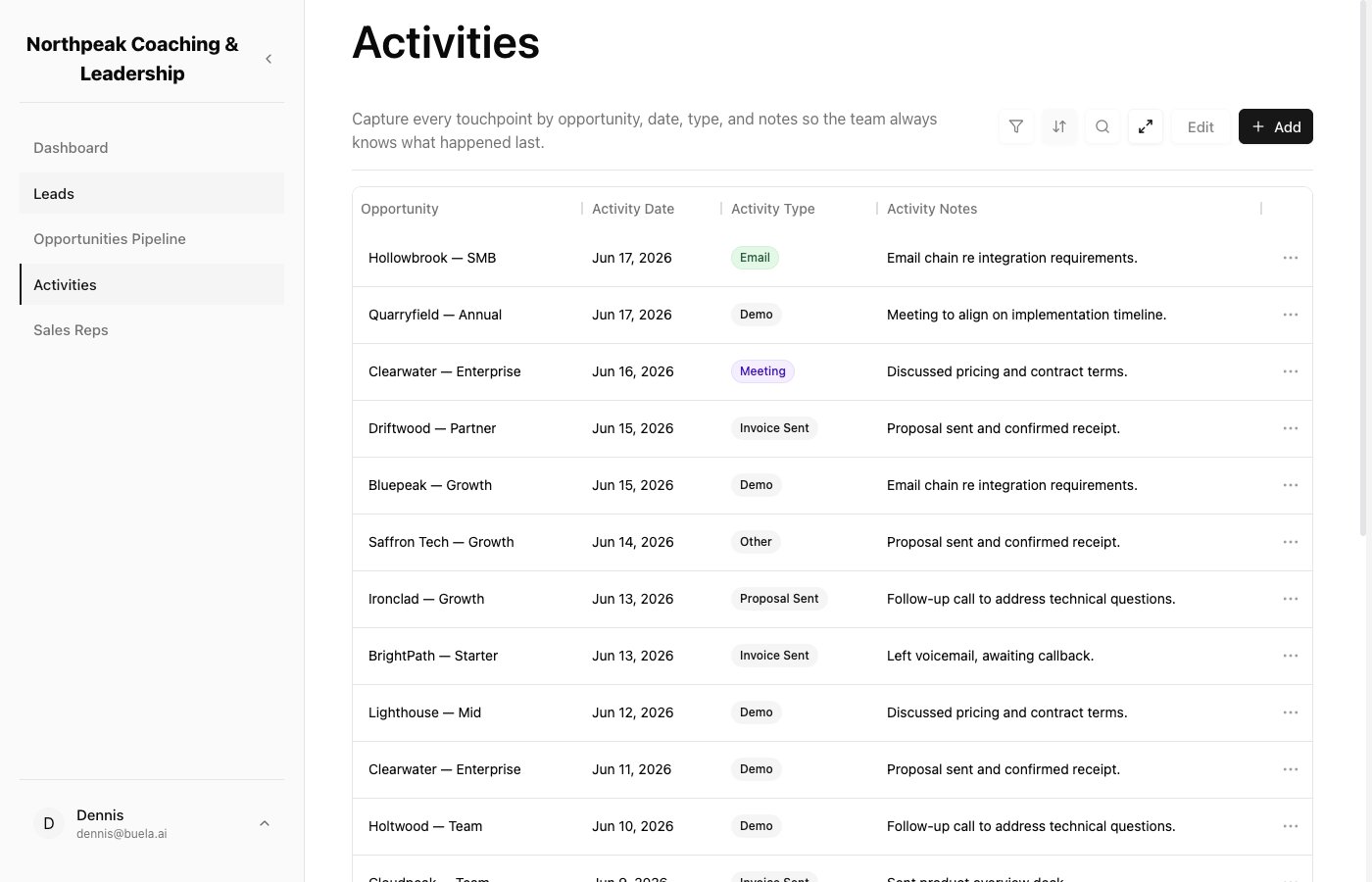
A clear log of every interaction, so anyone on your team can pick up where things left off.
Sales Reps
Sales Reps lists your team members so anyone can find the right person and reach them quickly. This is the directory; to invite people and set what they can do, see Your team and roles.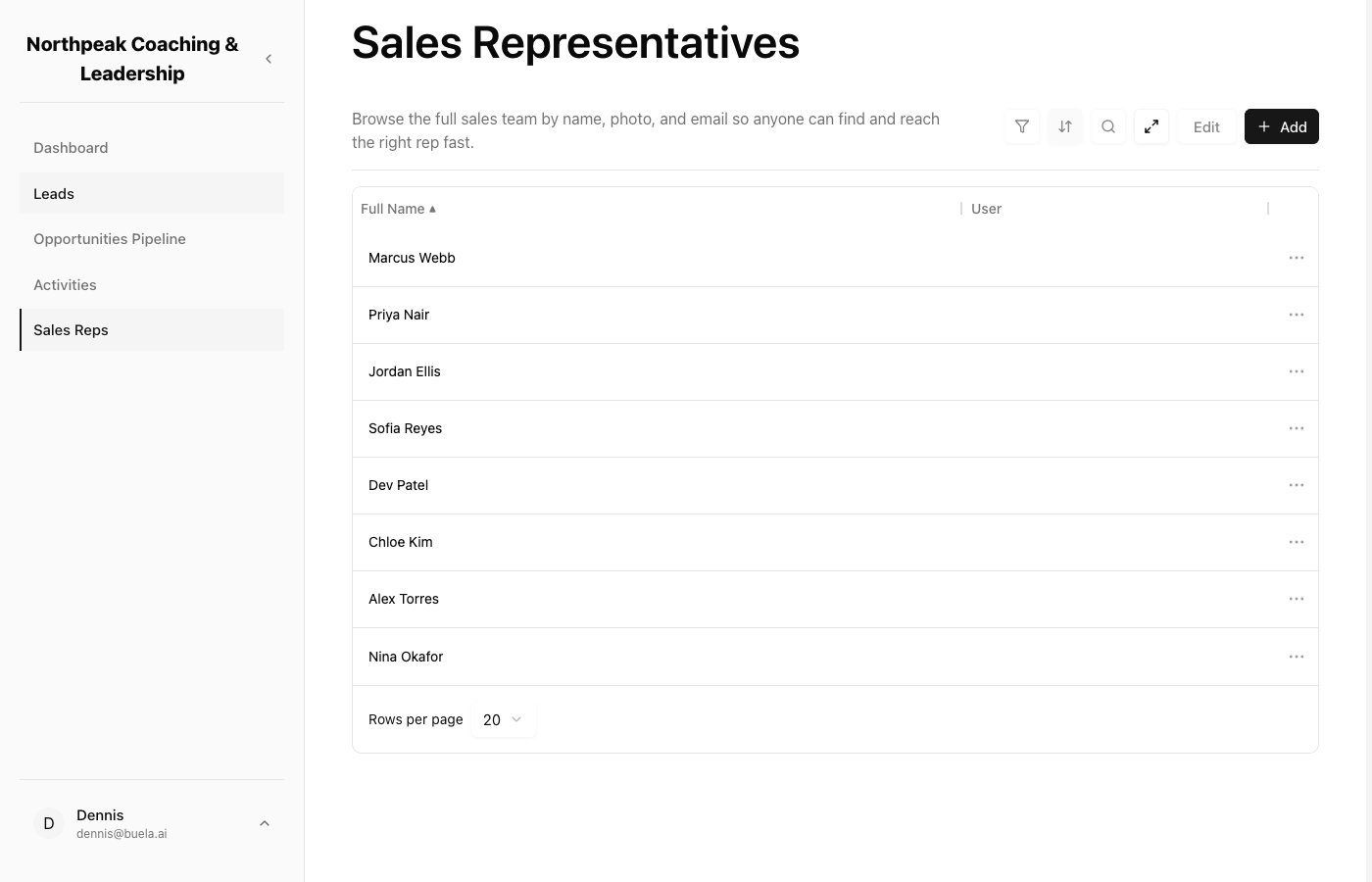
Your team directory, with each rep's name and email.