

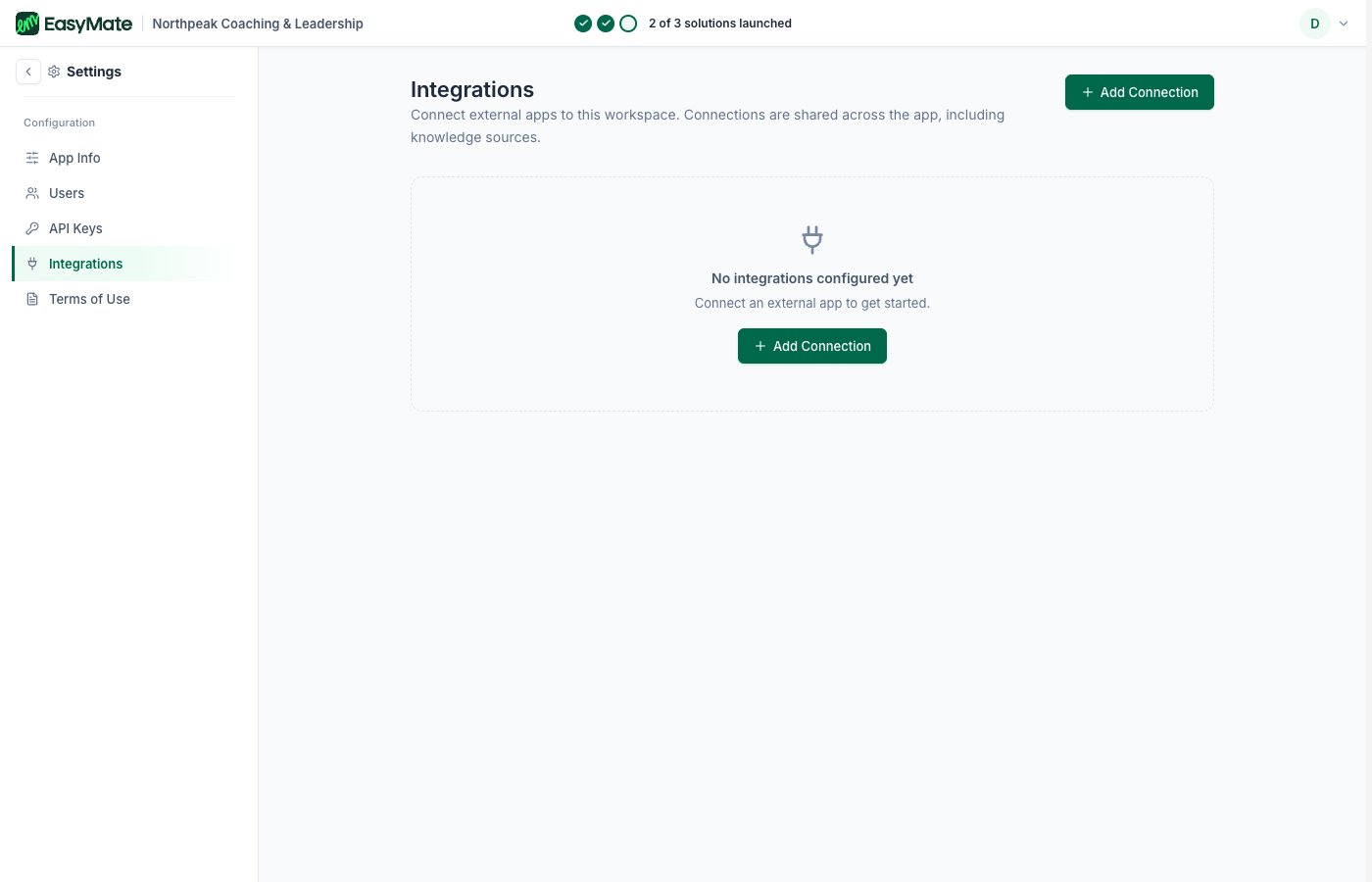
Connect external apps from the Integrations area under Settings.
Available now
- Google Drive: connect a Google Drive as a file source. Once it’s connected, you manage or disconnect it from the same place.
If nothing is connected yet, you’ll see “No integrations configured yet.” Connecting one is as simple as choosing it and following the sign-in.