

App details
- Name: what your app is called.
- Description: a short summary of what it’s for.
- Public contact email: an address your end users can reach you at.
- URL: the web address where your app lives (your subdomain).
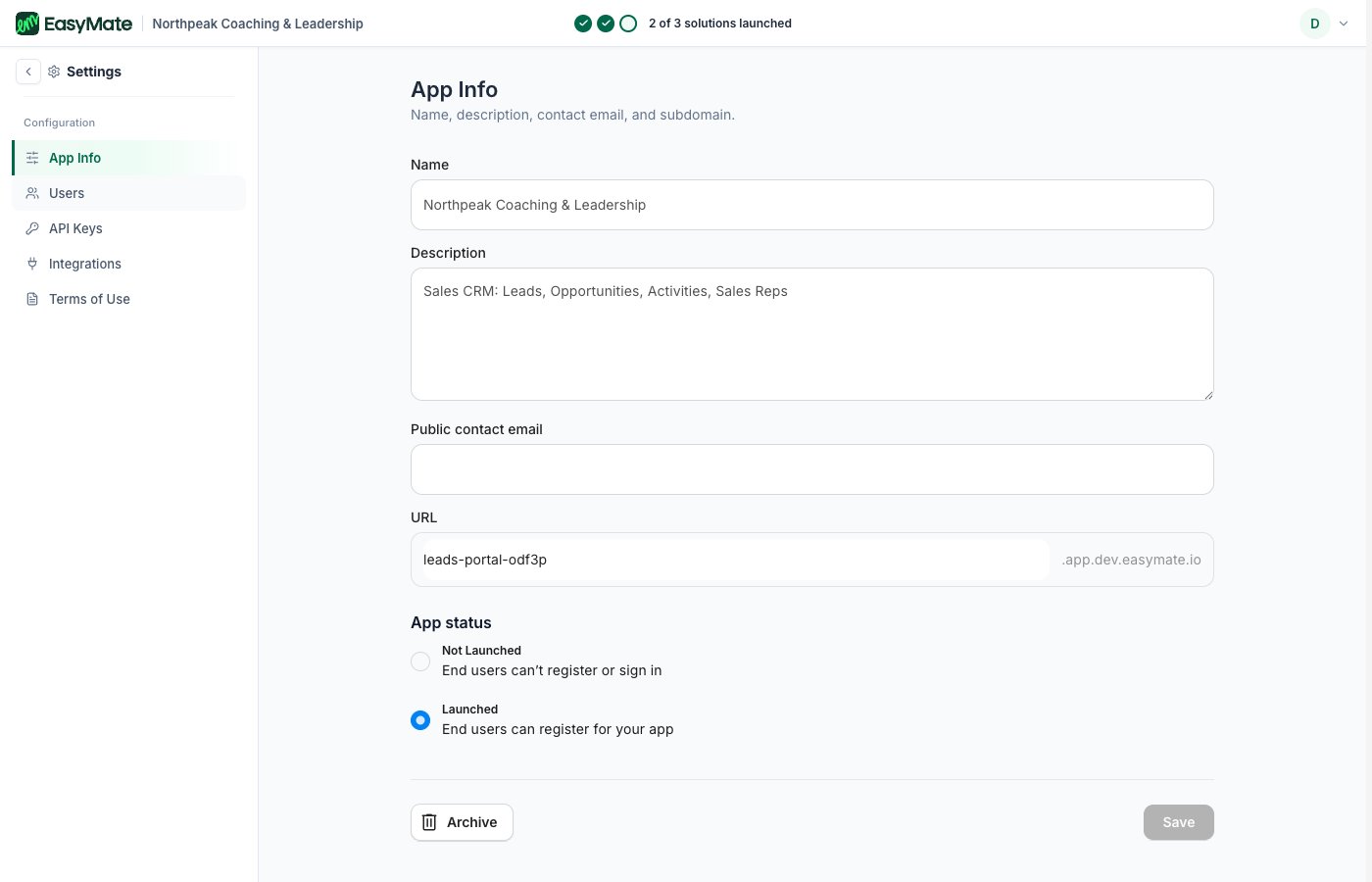
Your app's name, web address, and status all live on the App Info page.
App status
App status controls whether your end users can get in:- Not Launched: end users can’t register or sign in yet.
- Launched: end users can register for your app.
This is separate from setting up a solution. A solution can be ready, but your end users can only join once the app status is Launched.
The rest of Settings
- API Keys: for developers connecting other software.
- Integrations: connect external apps like Google Drive.
- Terms of Use: review the terms you agreed to.
- Users: manage who can sign in. See Roles & permissions.