> ## Documentation Index
> Fetch the complete documentation index at: https://easymate.ai/docs/llms.txt
> Use this file to discover all available pages before exploring further.
# Terms of Use
> Review the terms you agreed to when you started with EasyMate, and see their history.
**Terms of Use** is where you can review the terms you agreed to when you started using EasyMate. They're always available here, so you can check them whenever you need to.
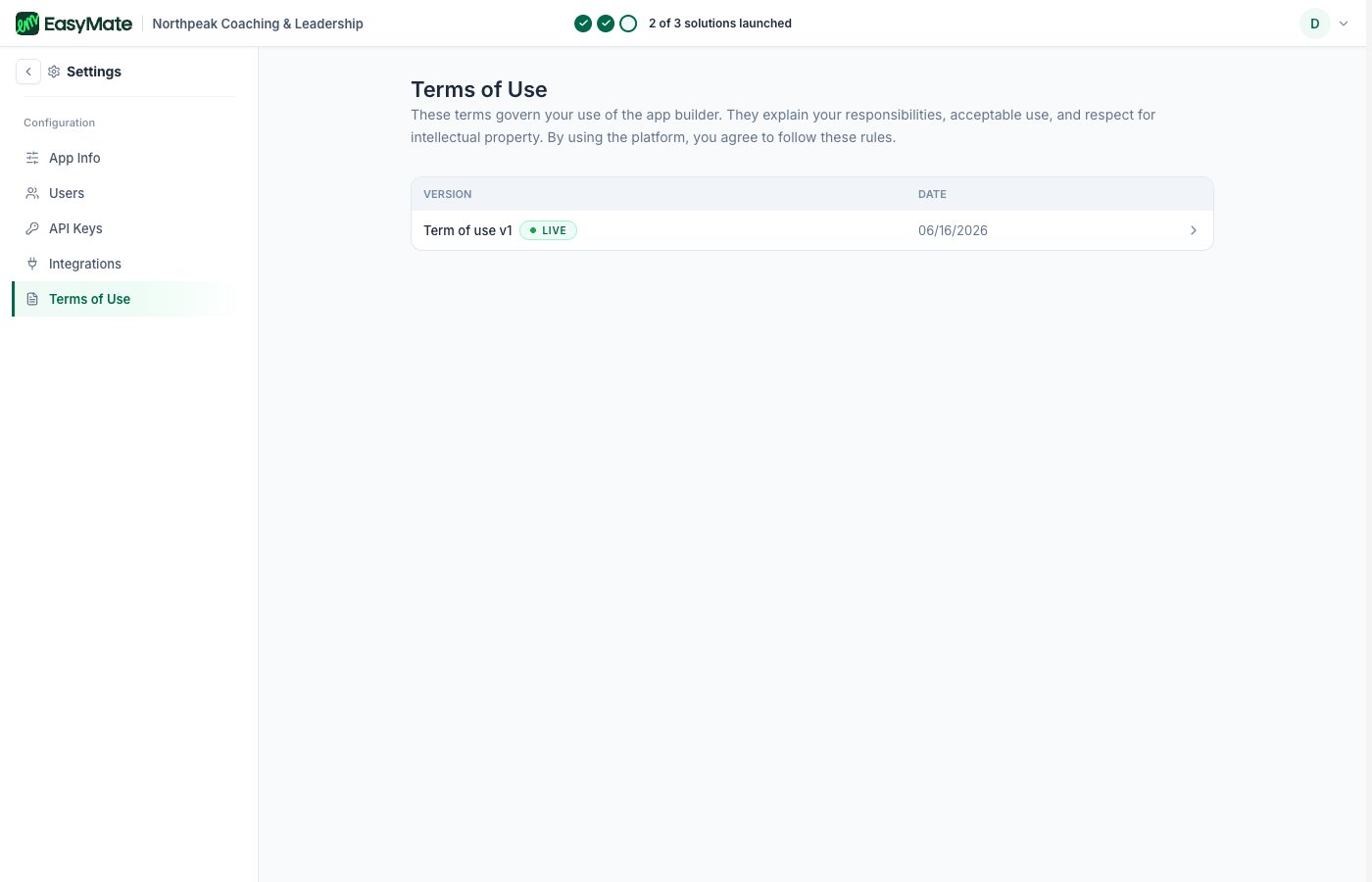 * **Read the current terms** at any time.
* **History:** see past versions of the terms, so you have a record of what changed and when.
This is for your reference. There's nothing you need to do here unless EasyMate asks you to review updated terms.
* **Read the current terms** at any time.
* **History:** see past versions of the terms, so you have a record of what changed and when.
This is for your reference. There's nothing you need to do here unless EasyMate asks you to review updated terms.