> ## Documentation Index
> Fetch the complete documentation index at: https://easymate.ai/docs/llms.txt
> Use this file to discover all available pages before exploring further.
# Knowledge Sources
> Add and manage the websites and documents your assistants answer from.
Your assistants answer using the **knowledge** you give them: the pages from your website and the documents you upload. The more good content you provide, the more accurate and helpful their answers are.
## Adding knowledge during setup
The quickest place to add knowledge is the **Your Content** step when you set up your [Sales Assistant](/docs/solutions/sales-assistant). There you add website pages and upload documents like brochures, FAQs, and price lists.
## Managing knowledge later
You can add to or tidy up your knowledge at any time from the **Builder**.
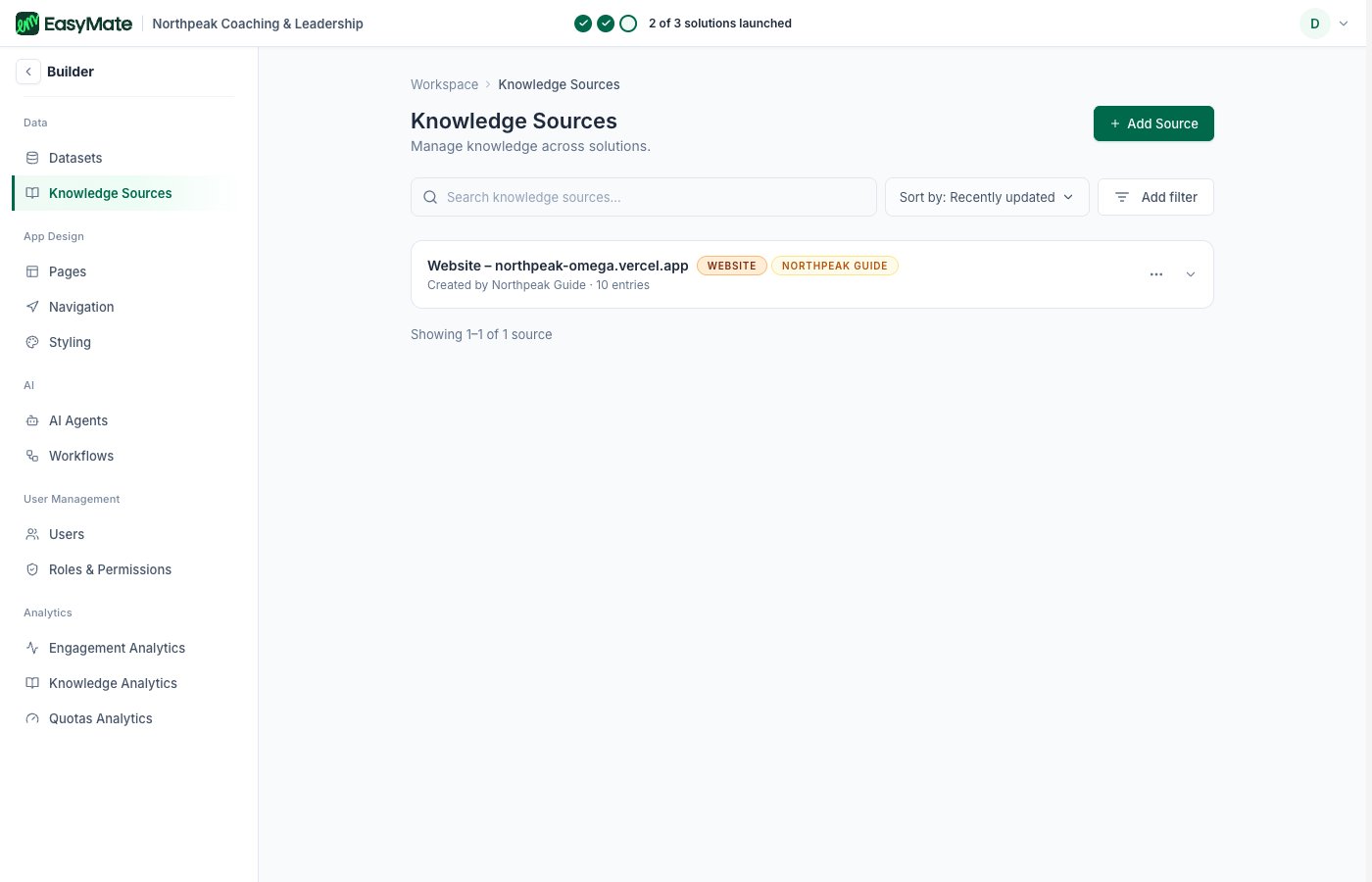
1. Open the **Builder** from the left menu.
2. Go to **Knowledge Sources**.
3. You'll see your existing sources, such as your website. Click **Add Source** to add more.
 Adding good knowledge is the single biggest thing you can do to improve your assistants' answers. Start with your most important pages and documents, then add more over time.
## What makes good knowledge
* **Your key pages:** the ones that explain what you do, who you help, and your pricing.
* **Helpful documents:** FAQs, brochures, and guides your customers ask about.
* **Keep it current:** if something changes on your website or in a document, update the source so your assistants stay accurate.
Adding good knowledge is the single biggest thing you can do to improve your assistants' answers. Start with your most important pages and documents, then add more over time.
## What makes good knowledge
* **Your key pages:** the ones that explain what you do, who you help, and your pricing.
* **Helpful documents:** FAQs, brochures, and guides your customers ask about.
* **Keep it current:** if something changes on your website or in a document, update the source so your assistants stay accurate.